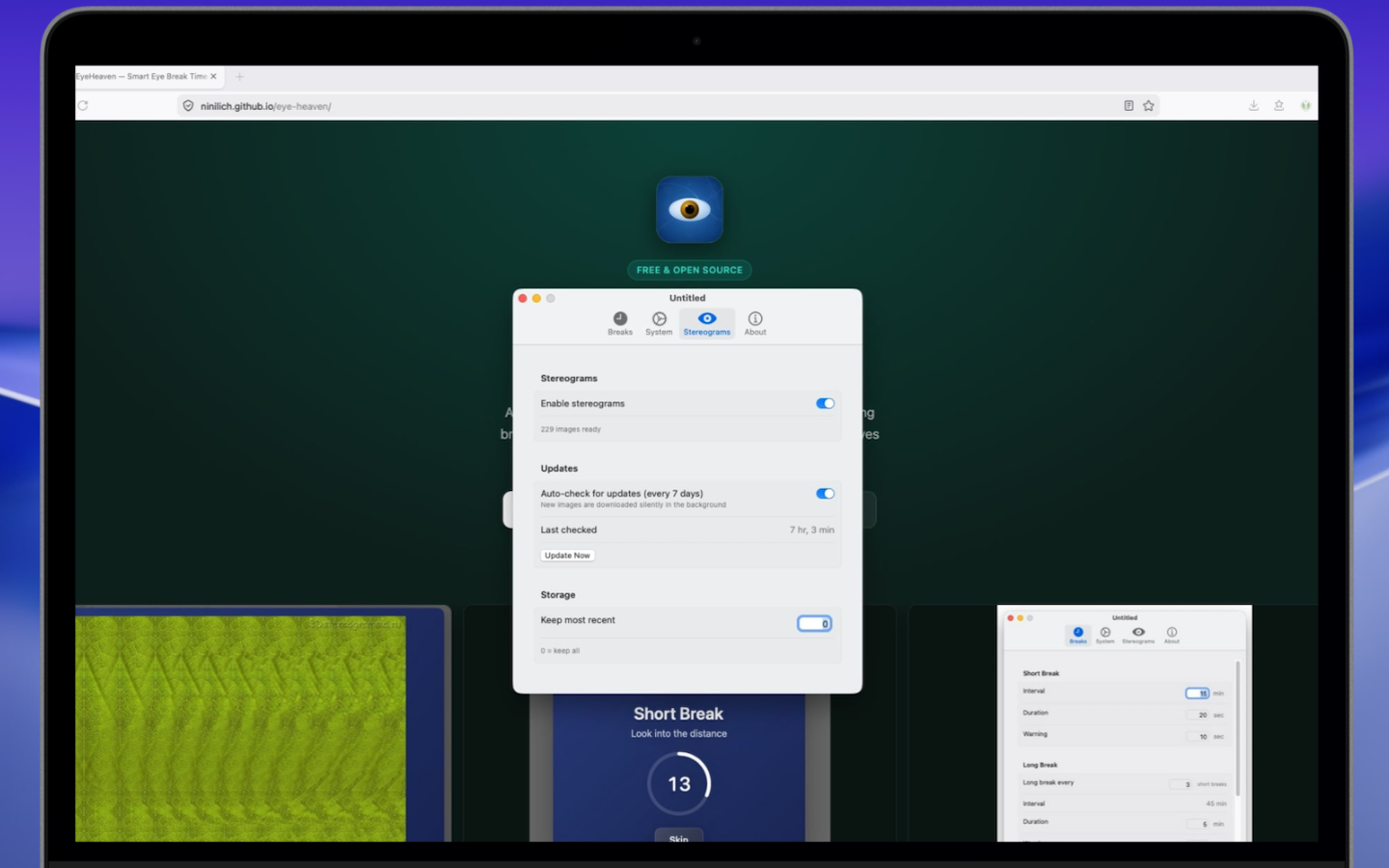
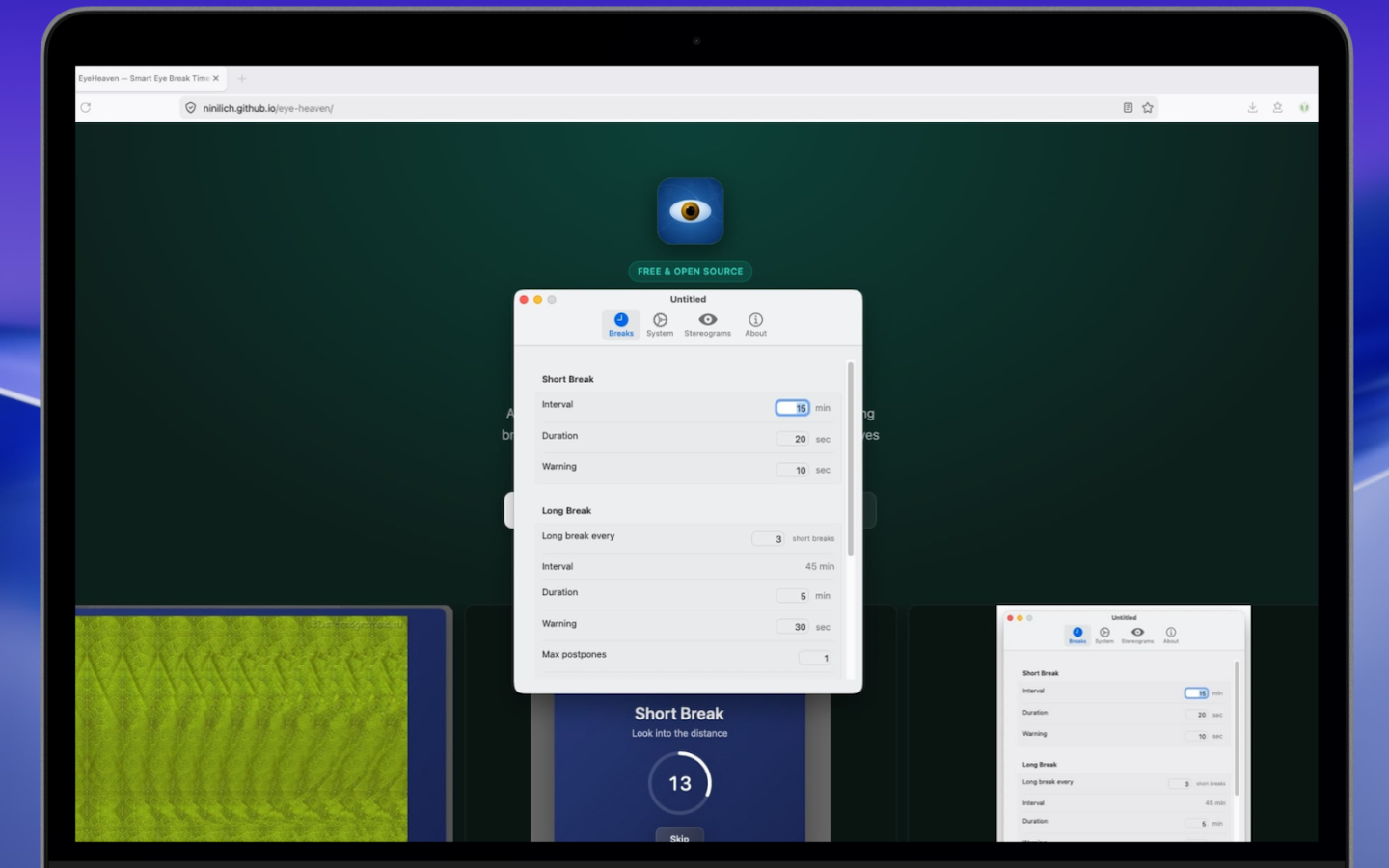
A smart macOS menu bar timer that schedules short and long breaks — with beautiful stereogram exercises to relax your eyes and mind.
Swipe or drag to explore · click to zoom
Designed for people who work long hours at a computer — simple, unobtrusive, and effective.
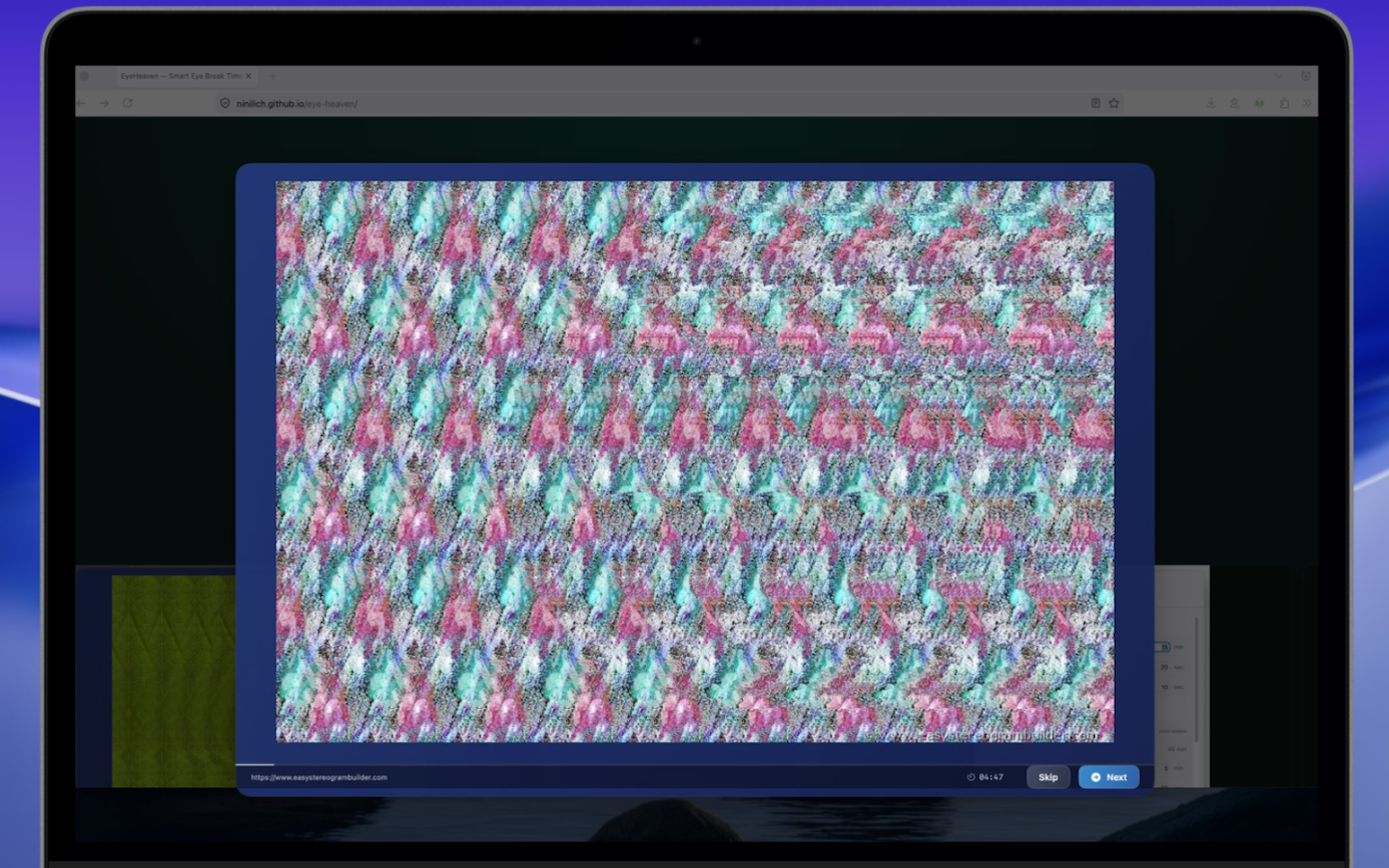
Long breaks show beautiful 3D stereograms — scientifically proven to relax eye muscles strained by prolonged screen focus.
Configure short and long break intervals to match the 20-20-20 rule or your own routine. Fully customizable.
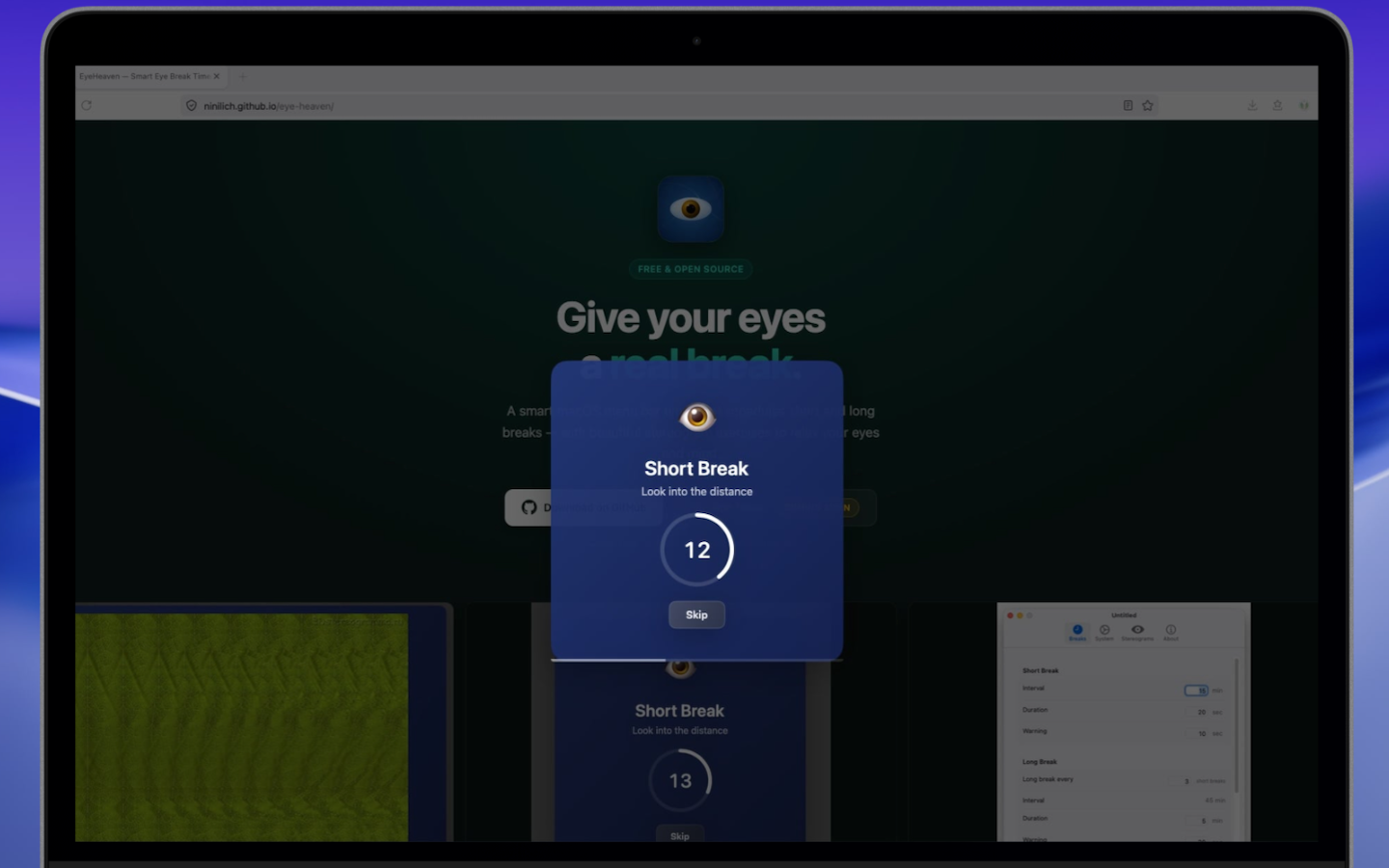
A non-intrusive banner appears before each break so you can finish your thought before stepping away.
Immersive break screen with background dimming to help you actually disconnect from your work.
Stepped away from your desk? EyeHeaven detects inactivity and pauses the timer — no permissions required.
Available in English, Russian, German, Spanish, French, Italian, Portuguese, Polish, and more.
Not all breaks are equal. Looking out the window helps — but stereograms work at the muscular level.
Screen work locks your ciliary muscles at one focal distance for hours. Stereograms force a divergence shift, actively releasing that tension.
Solving a stereogram engages both eyes working together — a workout for the visual cortex that regular breaks simply don't provide.
High-quality stereogram images downloaded and cached locally. New images added by the community — contributions welcome.
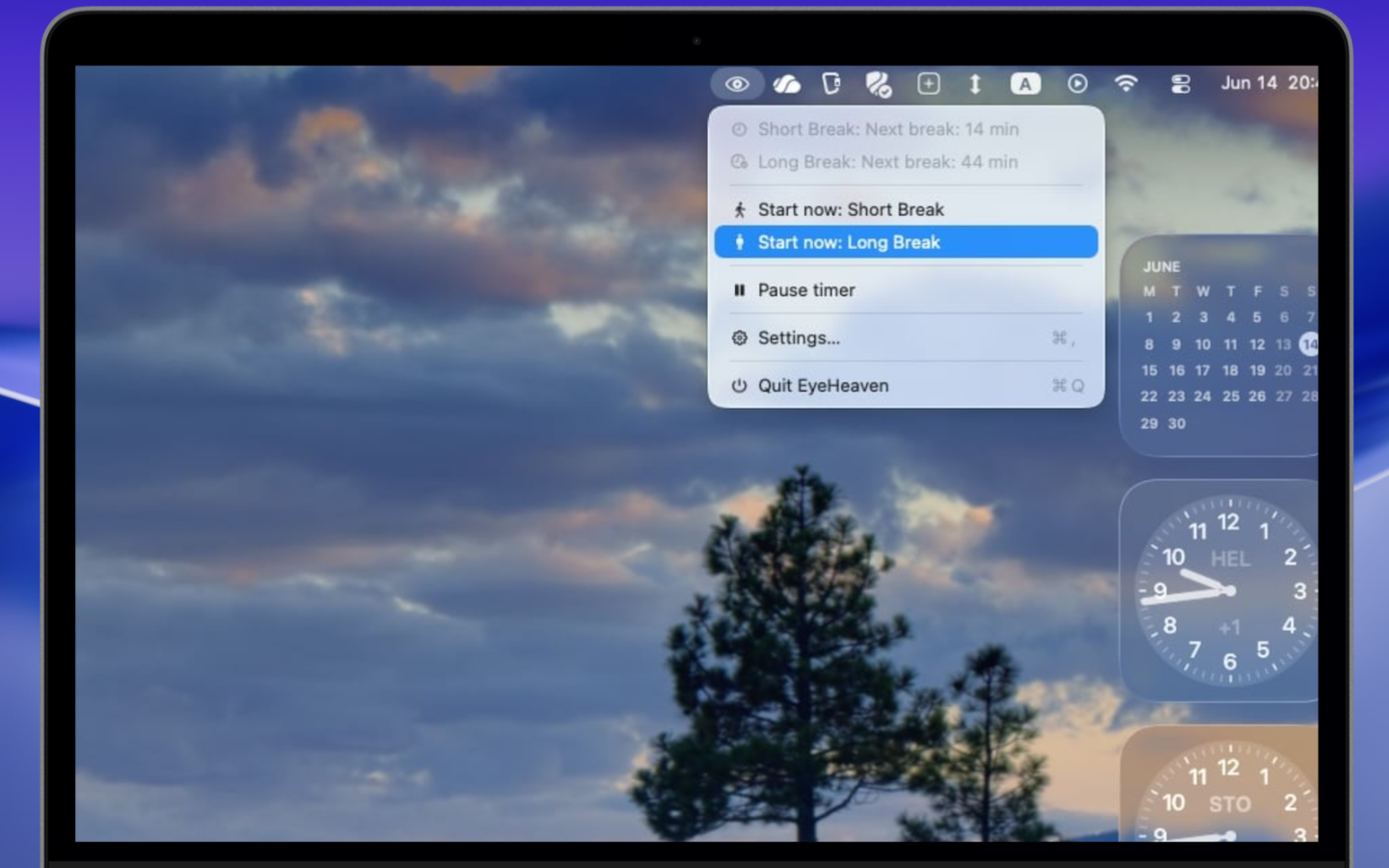
Lives quietly in your menu bar. No configuration needed to get started.
Download the DMG from GitHub, drag EyeHeaven to Applications, and open it. It sits in your menu bar — always available, never in the way.
Set how often you want short breaks (e.g. every 20 min) and long breaks (e.g. every 2 hours). Or keep the smart defaults.
A banner appears before each break so you can finish your sentence, then look away.
Short break: close your eyes or look out the window. Long break: focus on the stereogram and let your eyes relax in 3D.
EyeHeaven is open source and welcomes contributions of any kind — from code improvements to new stereogram images.
Built with Swift 6.2 and SwiftUI on macOS 15+. Whether it's a bug fix, a new feature, or a UI improvement — PRs are welcome. The CI pipeline takes care of building and releasing automatically.
CONTRIBUTING.mdNo code required. Add a JPEG stereogram to the Stereograms/ folder, update catalog.json, and open a PR. Catalog-only commits don't trigger an app release — it's fast and easy.
Free, open source, and ready to install. Takes 30 seconds to set up.